
Settings
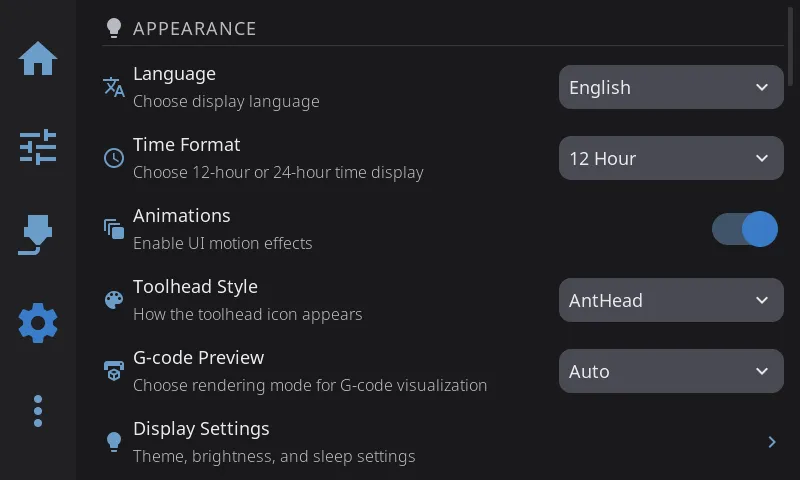
Access via the Gear icon in the navigation bar. Settings are organized into six categories, each opening a sub-panel.
| Category | What’s Inside |
|---|---|
| Display & Sound | Language, timezone, time format, animations, widget labels, bed mesh render, dark mode, themes, brightness, screen dim/sleep, screensaver, sounds, volume, sound themes |
| Printing | Toolhead style, G-code preview, Z movement, machine limits, retraction, material temperatures, timelapse, macro buttons |
| Hardware & Devices | Hardware issues, printers, multi-filament system management, fans, sensors, LED settings, power devices, Spoolman |
| Safety & Notifications | E-Stop confirmation, confirm before running macros, allow cold load/unload, cool nozzle after filament ops, cancel escalation, escalation timeout, print completion alert |
| System | Security, network, host, touch & input, performance, plugins, telemetry, log level, restart, factory reset |
| Help & About | Debug bundles, Discord, documentation, About sub-overlay (version info, updates, print hours, branding) |
Next: Advanced Features | Prev: Calibration & Tuning | Back to User Guide