Beautiful, customizable, and community-driven. Open source, built for every Klipper printer.
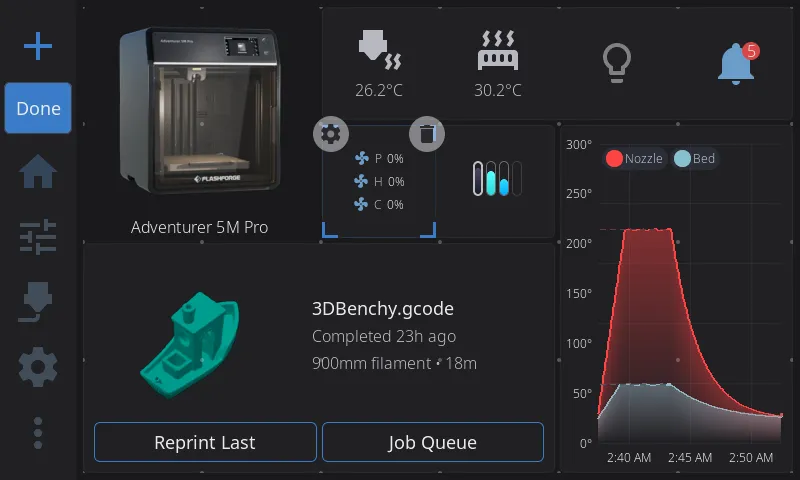
The home panel. Everything you need at a glance.
16 built-in themes, dark & light
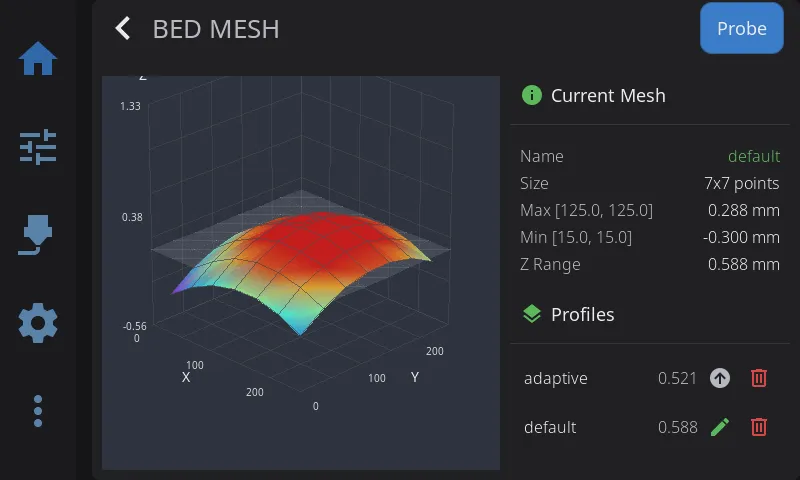
Full 3D bed mesh visualization with touch rotation. Not a flat heatmap — an actual interactive 3D surface you can spin and zoom. See exactly where your bed dips and peaks.
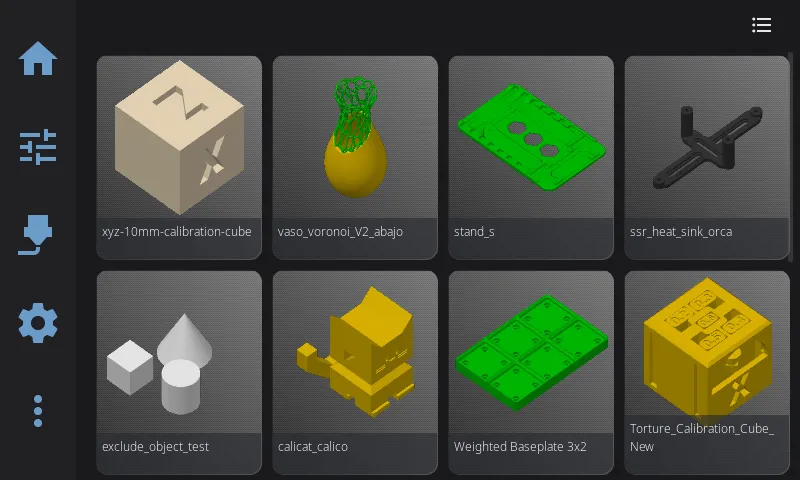
Browse your print files with live 3D thumbnail previews, metadata at a glance, and instant printing. Sorted, searchable, and fast — even with hundreds of files.
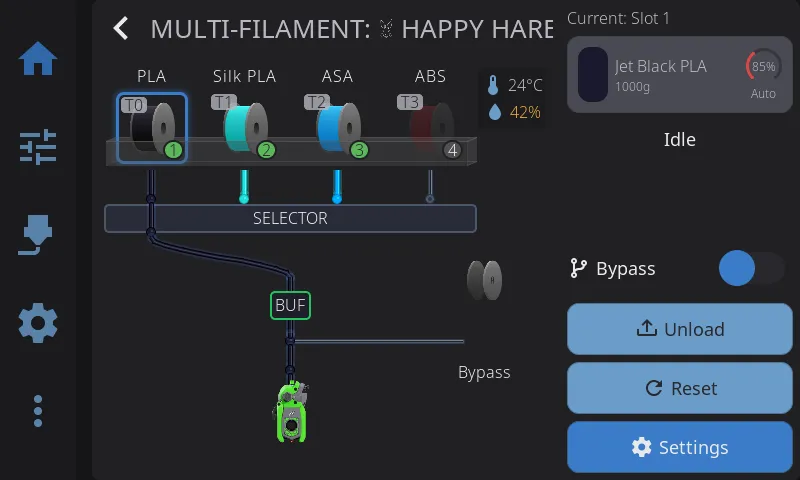
The most complete multi-material support in any touchscreen UI. Five backends — Happy Hare, AFC Box Turtle, tool changers, ValgACE, and more. 3D tube rendering for filament paths, animated toolheads, buffer health monitoring, and per-slot context menus. Every system, one beautiful interface.
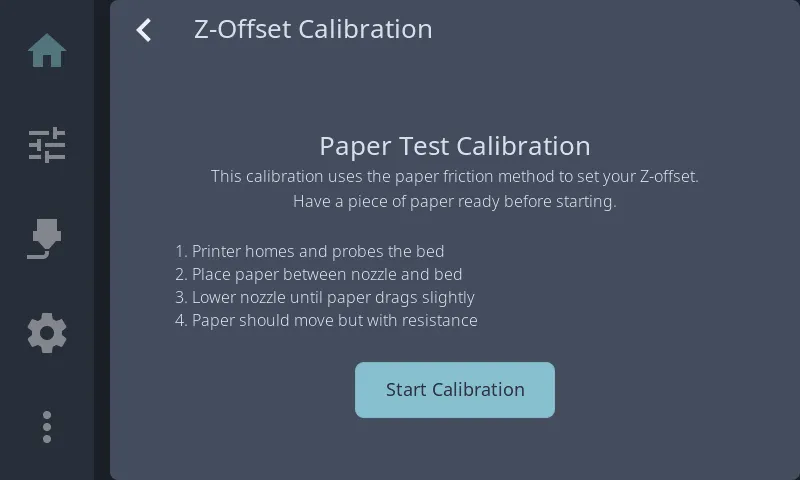
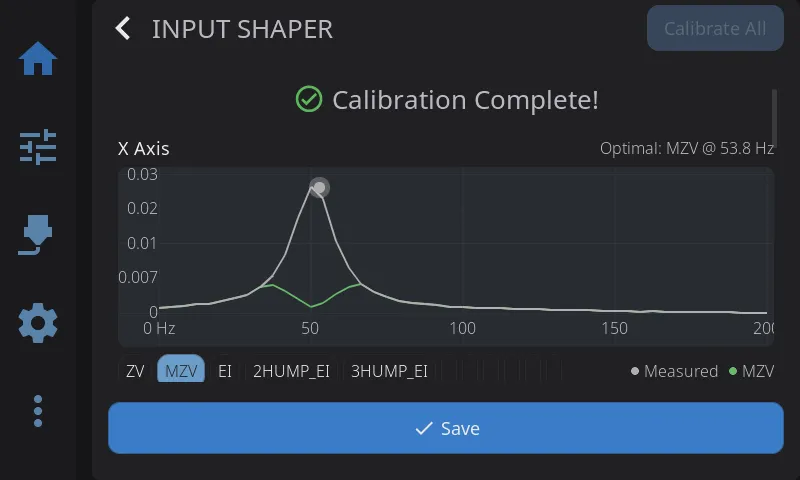
Input shaper with interactive frequency response charts, PID tuning with live temperature graphs, Prusa-style Z-offset with animated visual meter, screws tilt with color-coded turn directions, and automatic probe detection for Cartographer, Beacon, Tap, BLTouch, and more.
16 built-in color themes — Nord, Catppuccin, Dracula, Gruvbox, and more — each with dark and light variants. Switch themes live with no restart. Adjust brightness, customize your home panel widgets, and make HelixScreen feel like home.
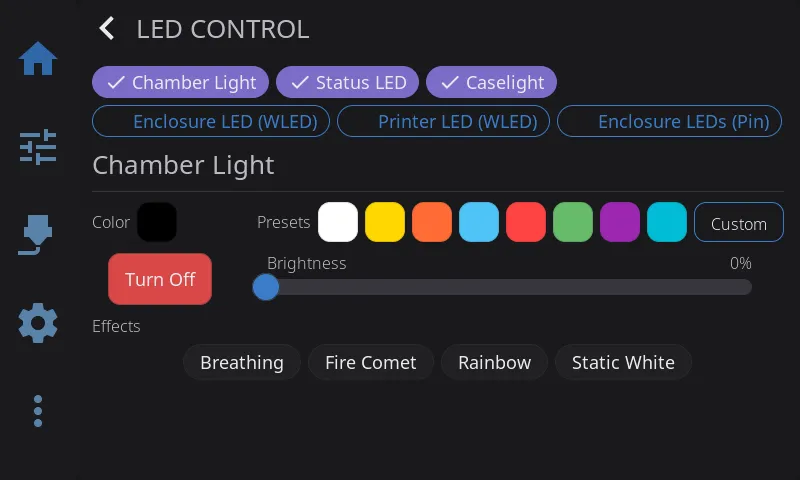
Five lighting backends: Klipper native LEDs, output pins, WLED network strips, animated led_effects, and macro-controlled devices. Set up auto-state lighting so your LEDs change with your printer — idle, heating, printing, paused, error, and complete — all configurable per state.
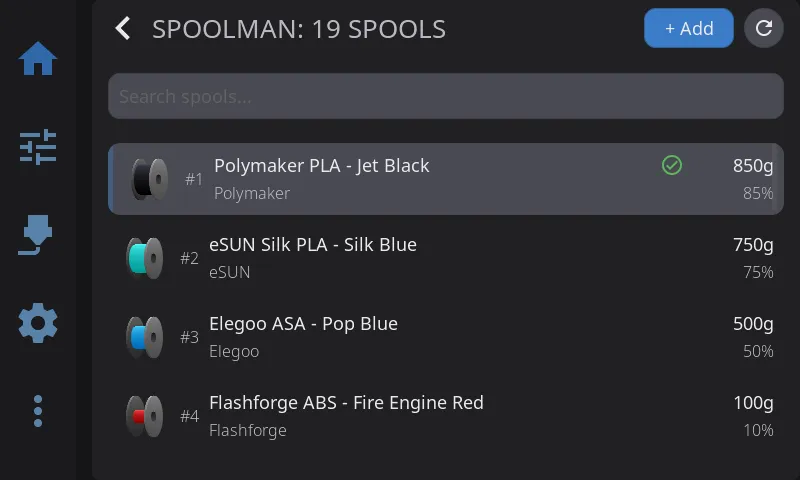
Full Spoolman integration with a 3-step spool creation wizard, 48 built-in material profiles with temperature ranges and drying parameters, weight polling, and a 3D spool visualization. Assign spools to AMS slots, track consumption, and get material compatibility warnings.
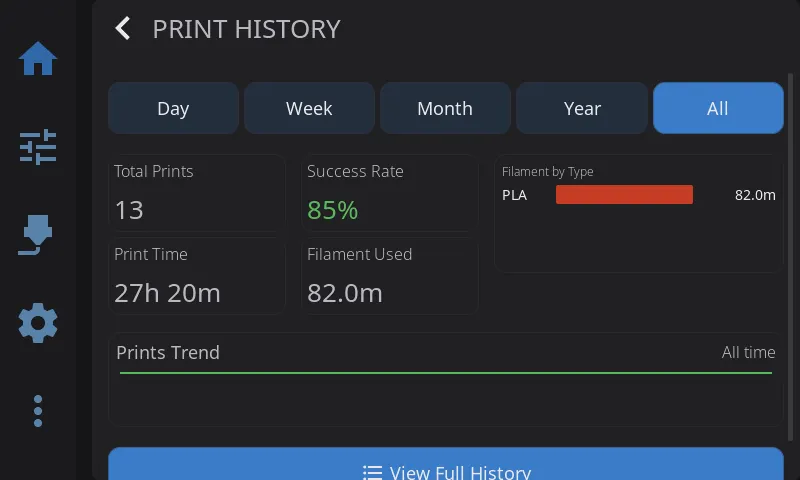
A full print history dashboard with total prints, success rate, print time, and filament usage statistics. Moonraker-Timelapse integration with per-layer and hyperlapse modes, auto-rendering, and video management — all from the touchscreen.
$ curl -sSL https://raw.githubusercontent.com/prestonbrown/helixscreen/main/scripts/install.sh | sh HelixScreen is open source and shaped by the 3D printing community. Feature requests, bug reports, and contributions drive every release.